
Website Auditing Checklist: What to Check, What to Fix First, and What to Ignore
- August 12, 2020
- Website Auditing
Most SEO audits fail for a boring reason. The audit finds 200 problems, hands you a spreadsheet, and nobody knows which line to start with. Six weeks later the site has 180 problems and the same traffic.
So this guide does two jobs. First, it gives you the full SEO audit checklist across seven layers, from crawling all the way to AI search. Second, it tells you the order to fix things in, and which findings you can skip without guilt.
Here is the short version before we go deep.
An SEO audit checks seven layers of your site: whether search engines can crawl and index your pages, how your site is structured internally, how fast and stable your pages are for real users, whether your on-page elements are correct, whether your content matches what people search for, whether your backlink profile is healthy, and whether AI search engines can read and cite you. You run the checks, then you sort the findings by how much traffic is at risk, not by how scary the tool made them look.
That last part is where most checklists stop and where this one keeps going.
What you need before you start
Get three things in place first. Skipping this step is why audits turn into guesswork later.
Google Search Console, verified, with history. This is your only direct line to what Google actually thinks about your site. Third-party tools estimate. Search Console reports. If you just verified the property today, you will have no past data to compare against, so verify it and come back in a few weeks if you can.
A crawl of your own site. Screaming Frog is the standard here and it is free up to 500 URLs. Ahrefs Site Audit and Semrush Site Audit do the same job at larger scale. You want to see your site the way a crawler sees it, not the way it looks in your browser.
A written baseline. Before you change anything, record your current organic clicks, your top 20 landing pages, and your rankings for the queries that make you money. Without this, you will finish the audit and have no way to prove any of it worked.
That last point sounds obvious. It is also the step people skip most often.
Layer 1. Can search engines crawl and index your pages?
Start here every single time. A page Google cannot reach is a page that cannot rank, and no amount of content work changes that.
Check robots.txt for rules that block pages you want indexed
Your robots.txt file sits in one place only, at the root of your domain, like yoursite.com/robots.txt. It is not something individual pages contain, which is a common mix-up.
Open it and read every Disallow line out loud. Ask whether each one is blocking something you genuinely want hidden. The classic mistake is a broad disallow rule added years ago during a site migration that nobody ever removed.
One more thing worth knowing: blocking a page in robots.txt does not reliably keep it out of the index. Google can still list a URL it was told not to crawl if other sites link to it. If you want a page out of search results, use a noindex tag instead and let Google crawl the page to see it. We cover the full set of robots.txt rules for search crawlers separately, including the syntax mistakes that cause the most damage.
Look for noindex tags in two places, not one
Everyone checks the meta robots tag in the HTML. Fewer people check the X-Robots-Tag HTTP header, which does the same job at the server level and is invisible when you view source.
Both can carry a noindex. A CMS update or a push from staging to production is the usual way a noindex ends up on a live page that should be ranking. Check both.
Read the Page Indexing report properly
In Search Console, the Page Indexing report splits your URLs into indexed and not indexed, then gives a reason for each exclusion. Those reasons matter and most people skim past them.
"Crawled, currently not indexed" usually means Google saw the page and decided it was not worth storing. That is a quality signal, not a bug. "Discovered, currently not indexed" often points to crawl budget or site speed. "Duplicate, Google chose different canonical" means Google disagreed with the canonical tag you set.
That last one is worth a close look. Google treats your canonical tag as a hint, not a command, and it overrides you more often than people expect. If several of your pages show it, read our breakdown of why Google picks a different canonical than the one you set.
Check your XML sitemap only lists pages you want indexed
Your sitemap should be a clean list of indexable, canonical URLs. Nothing else.
Pull it up and look for redirected URLs, 404s, noindexed pages, and non-canonical versions. Every one of those sends a mixed signal. You are telling Google these pages matter while other parts of your site say the opposite.
Find your soft 404s
A soft 404 is a page that returns a 200 status code, so it looks fine to a crawler, but shows an error message or empty content to a human. Out-of-stock product pages are the biggest source of these on ecommerce sites. Empty search result pages and filtered category pages with no items come close behind.
Search Console flags them under the Page Indexing report. Spot-check a few by hand before you act, because tools and Google sometimes count them differently.
Check how paginated pages are handled
If you run a blog archive, a product category, or any series that splits across numbered pages, how you handle that series affects what gets indexed. Canonicalising every page back to page one is a common move and it usually hides your deeper content from Google entirely.
Worth reviewing your paginated series setup if you have more than a handful of multi-page sections.
Test what Google actually renders
Use the URL Inspection tool in Search Console and run a live test. Compare the rendered HTML against your raw source.
If your site builds content with JavaScript on the client side, this check catches the worst possible problem: content that exists for users but not for crawlers. Product descriptions and reviews that load after the initial page render are the usual casualties.
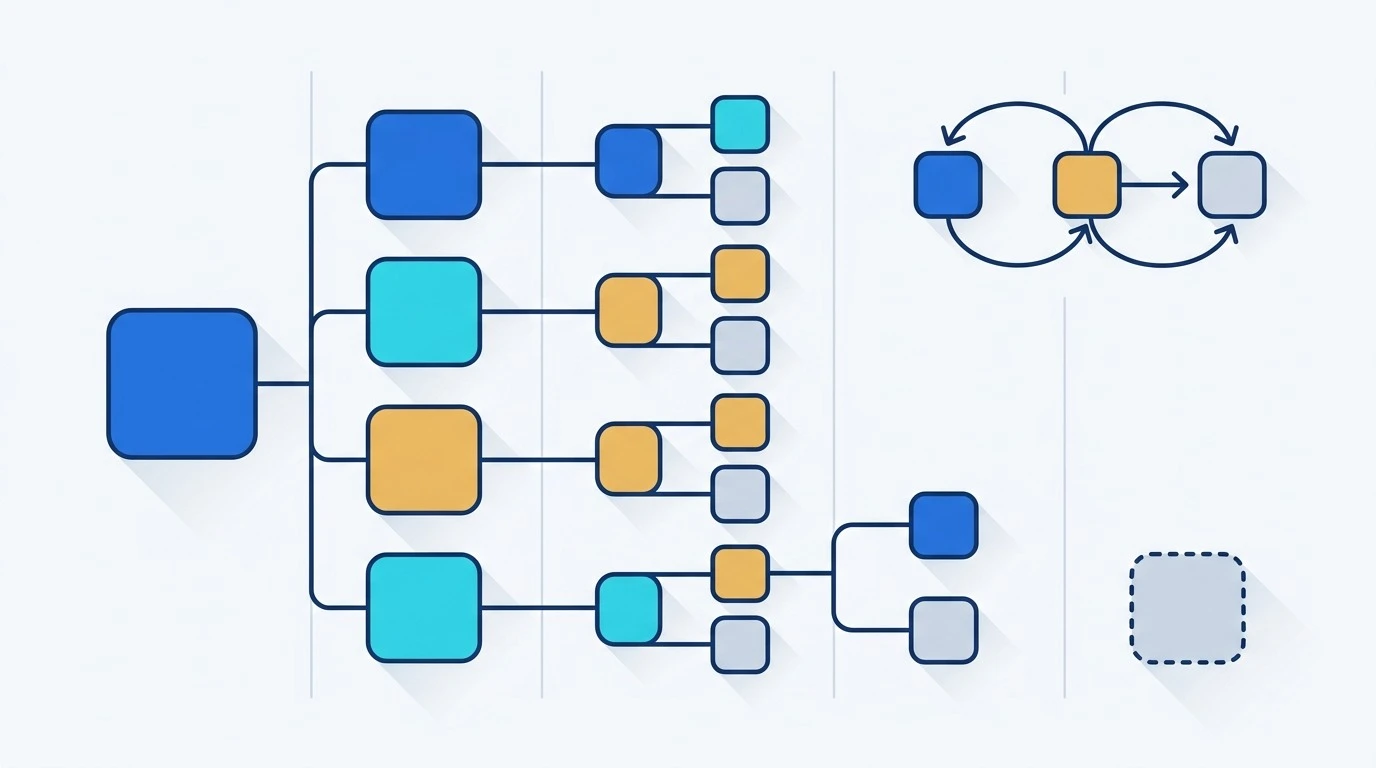
Layer 2. Is your site structured in a way that makes sense?
Once crawling works, look at how your pages connect to each other. Internal structure decides which pages get crawled often and which ones get forgotten.
Measure click depth
Click depth is how many clicks it takes to reach a page from your homepage. Pages buried four or five clicks deep get crawled less and tend to rank worse.
Your crawler reports this directly. Pull the list, then check whether any page that matters to your business is sitting down there. Important pages should be close to the surface.
Find orphan pages
An orphan page has no internal links pointing to it at all. It exists, it might even be in your sitemap, but nothing on your site links to it.
Find them by comparing your crawl list against your sitemap and your Search Console data. Then make a decision on each one. If the page has value, link to it from two or three relevant pages. If it does not, let it go.
Clean up redirect chains
A redirect chain is when URL A sends you to B, which sends you to C. Each hop slows things down and dilutes the signal.
Fix them by pointing the first URL straight at the final destination. While you are there, look for redirect loops, which trap crawlers completely.
Look at your internal anchor text
Internal links are your clearest way to tell Google what a page is about. "Click here" tells it nothing. A short descriptive phrase that matches the page topic tells it a lot.
If you have built your content into topic clusters with a main hub page and supporting articles around it, there are specific ways that structure goes wrong. We wrote up the common hub and spoke link structure errors that stop clusters from working the way they should.

Layer 3. Are your pages fast and stable for real users?
This is the layer where old checklists age worst, so let us be precise about what the current measurements are.
Google uses three Core Web Vitals. Each one has a pass mark, and each is measured at the 75th percentile of your real visitors, not in a lab.
| Metric | What it measures | Good |
|---|---|---|
| LCP (Largest Contentful Paint) | How long until the main content shows up | 2.5 seconds or less |
| INP (Interaction to Next Paint) | How quickly the page responds when someone clicks or taps | 200 milliseconds or less |
| CLS (Cumulative Layout Shift) | How much the page jumps around while loading | 0.1 or less |
If a checklist you are reading still talks about First Input Delay, it is out of date. INP replaced FID in March 2024 and FID was removed from Chrome tools later that year. The full set of Core Web Vitals pass marks and how each one is calculated is worth reading if you are fixing these yourself.
Use field data, not just lab scores
PageSpeed Insights gives you two things. Lab data from a simulated test, and field data from the Chrome User Experience Report, which comes from real Chrome users on your site.
The field data is what counts. A perfect lab score with failing field data means your test conditions do not match what your actual visitors experience.
Find out which metric is failing before you touch anything
This saves enormous amounts of wasted effort. Do not start compressing images because "the site feels slow." Check which of the three is actually failing, then fix that one.
The usual causes break down cleanly:
- LCP fails because of an oversized hero image, a slow server response, or render-blocking resources loading first.
- INP fails because of heavy JavaScript running when someone clicks. Tag managers with too many tags are a frequent cause.
- CLS fails because images have no width and height set, web fonts swap in late, or ads inject themselves above existing content.
CLS is usually the cheapest to fix because most of the causes are markup, not infrastructure.
A note on mobile testing
Google retired the Mobile-Friendly Test tool and the Mobile Usability report on December 1, 2023, and pointed people to Lighthouse instead. If a guide tells you to run the Mobile-Friendly Test, that guide has not been updated in years.
Mobile matters more than ever, though. Mobile-first indexing finished rolling out to all sites in July 2024, which means Google crawls your site with a mobile crawler by default. Your mobile experience is the experience Google evaluates.
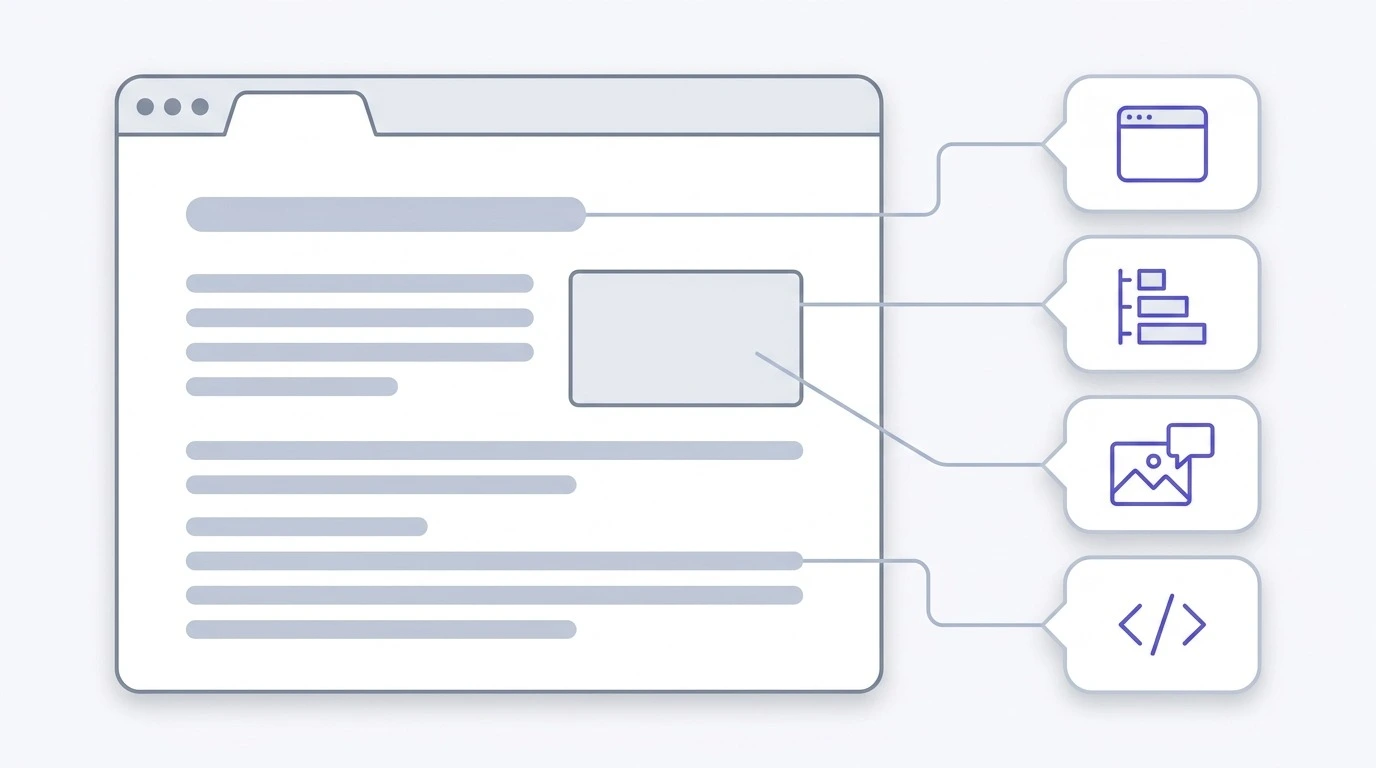
Layer 4. Are your on-page elements correct?
This layer is quick to check and quick to fix, which is why people love it. Just remember it rarely moves the needle on its own.
Title tags
Check every title for two things: is it unique, and does it match what the page is actually about?
Duplicate titles across many pages usually signal a template problem. Titles that got truncated in search results are worth shortening, though Google rewrites titles often enough that this is less of a lever than it used to be.
Meta descriptions
A meta description does not affect rankings. It affects whether someone clicks. Those are different problems with the same fix.
Look for pages where the description is just the first two sentences of the article pulled in automatically. That tells a searcher nothing about why they should pick your result.
Headings
One H1 per page. Headings below it should follow a real order, so H2 for main sections and H3 for subsections inside them.
Watch for a specific waste of space: headings that say nothing. If the same heading like "How to:" appears fifteen times on one page, those headings give neither readers nor crawlers any useful structure.
Image alt text
Alt text describes the image for people who cannot see it. That is the job. It also helps Google understand the image, which is a side benefit, not the goal.
Write what the image shows. Do not stuff keywords into it. Decorative images can have empty alt text and that is correct, not a mistake.
Structured data
Validate whatever schema you have. Article and BreadcrumbList are sensible starting points for most content pages.
One correction worth making here. FAQPage markup no longer produces rich results for most sites, so adding it to a page is not a fix for anything. Plenty of checklists still recommend it.
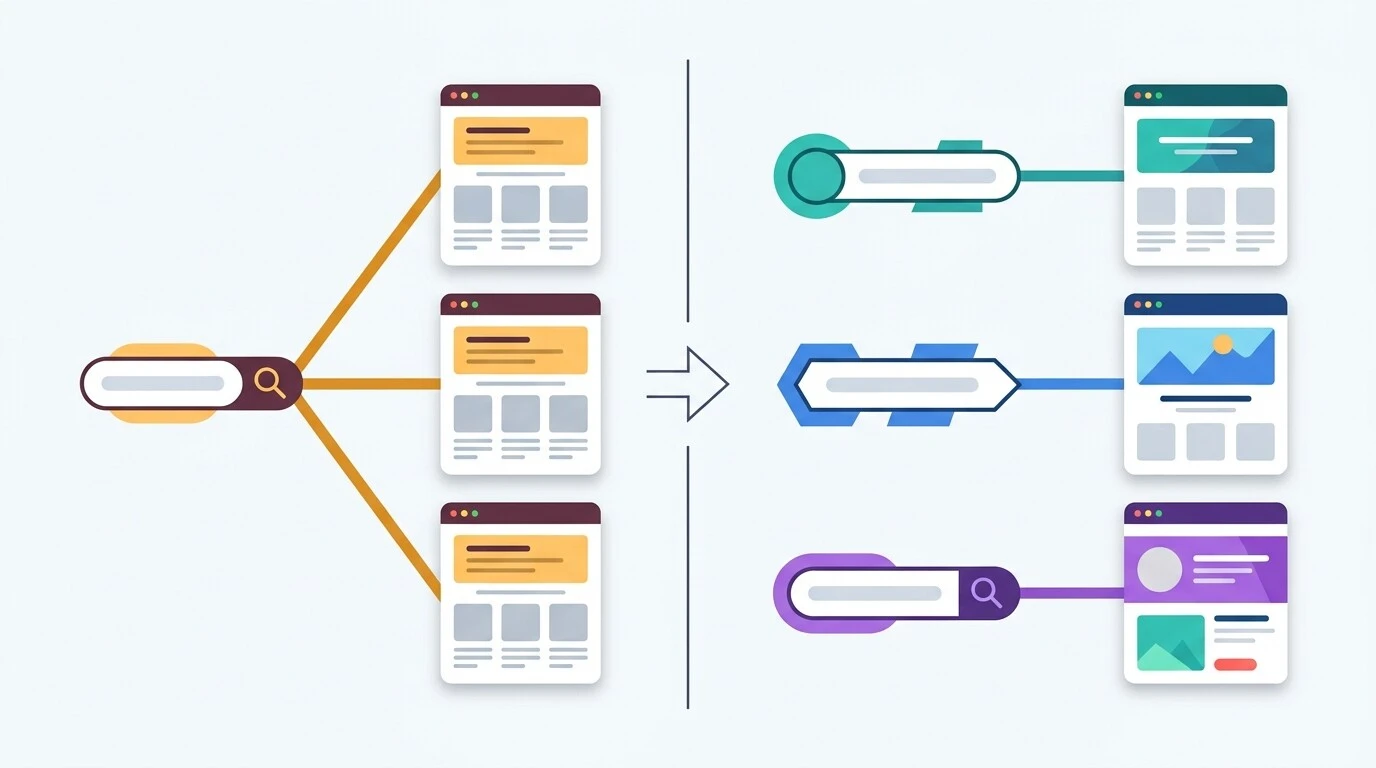
Layer 5. Does your content match what people actually search for?
Technical work gets a site eligible to rank. Content decides whether it does.
Find pages competing against each other
Keyword cannibalization happens when two or more of your pages target the same query. Google picks one, often not the one you wanted, and both pages underperform.
Find it in Search Console. Go to the Performance report, filter by a query, then look at which pages show up for it. If three URLs are all getting impressions for one query, you have a problem to resolve.
This shows up badly on sites with multiple location pages, where every page says nearly the same thing with a city name swapped. We covered how to diagnose location pages competing for one query and how to split the intent properly.
Spot content that is decaying
Compare the last three months of clicks against the same period a year earlier, page by page. Pages that dropped sharply are candidates for an update.
Decay usually means one of three things. The information went stale, a competitor published something better, or the search intent behind the query shifted.
Check thin pages against intent, not word count
There is no ideal word count. Google has said this directly and repeatedly. A 300 word page that fully answers a simple question is not thin. A 2,000 word page that circles the topic without answering anything is.
The test is whether the page does the job a searcher came for.
Be careful before deleting anything
Here is advice you will see on a lot of older checklists: delete your thin pages, tag pages, archives, and old posts.
Please do not do that without checking first.
Pull traffic data and backlink data for every page on the delete list. A page with no traffic might still be holding valuable links. The safer options are usually to consolidate the page into a stronger one with a 301 redirect, or to noindex it and leave it in place. Deleting is the last resort, not the first move.
Check your E-E-A-T signals
Google's quality guidelines lean on experience, expertise, authoritativeness, and trust. These are not direct ranking factors you can switch on, but they describe what quality raters look for and they shape what the systems reward.
Check the practical things. Are your articles attributed to a real named person with real credentials? Are statistics sourced to where they came from? Are claims about results verifiable? Is there a visible last-updated date? Can someone find out who runs the company and how to contact them?
Then check the opposite. Unverifiable claims like "guaranteed results" or "the best agency" are a liability, not a selling point. So are invented statistics.
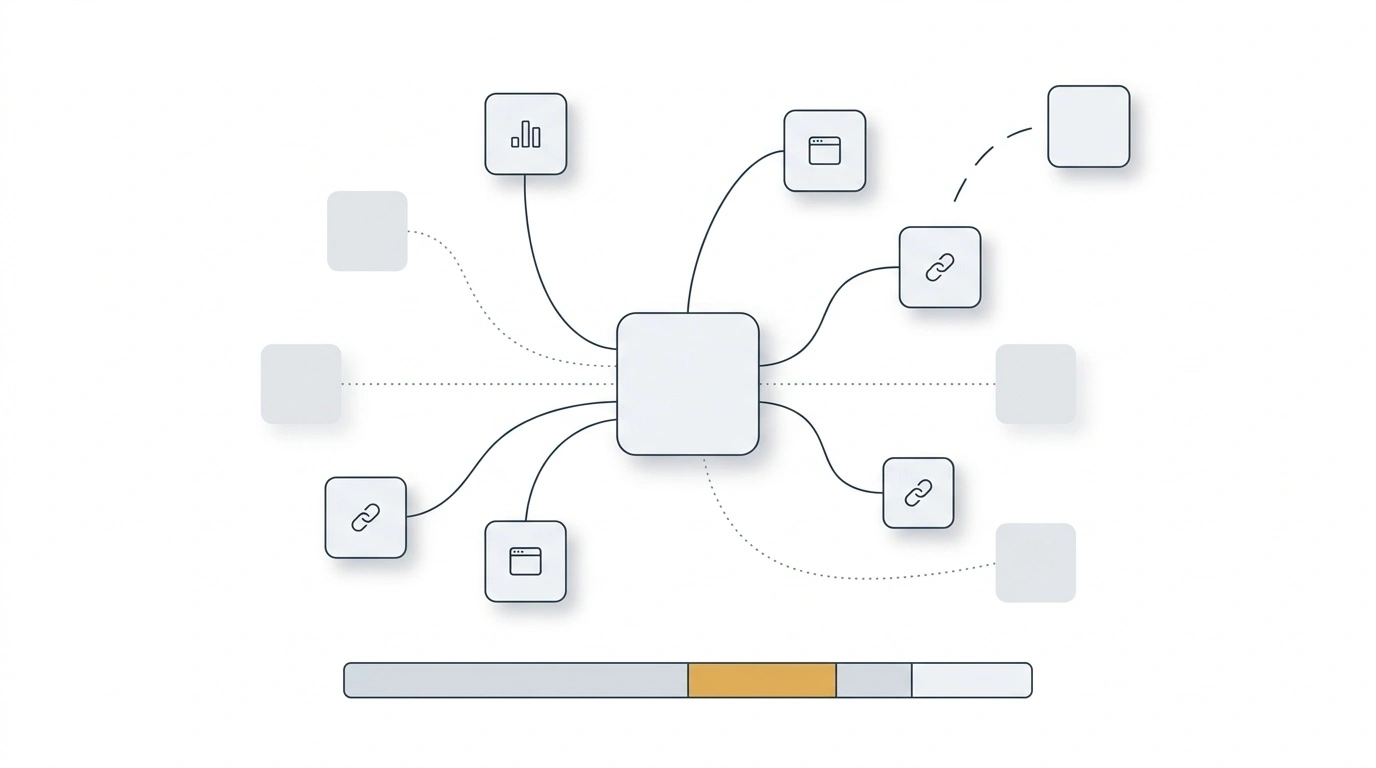
Layer 6. Is your backlink profile healthy?
Judge referring domains by relevance, not count
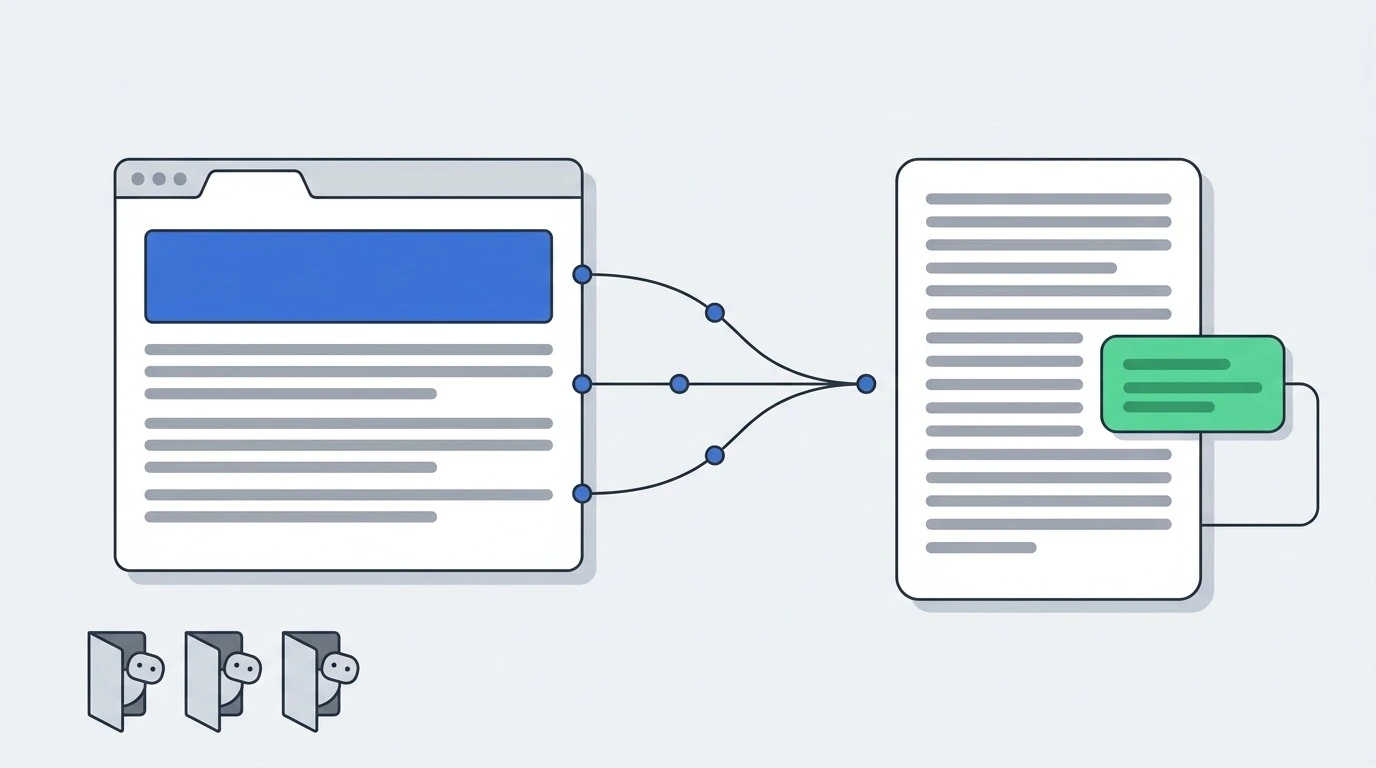
A hundred links from sites in your industry beat a thousand from unrelated directories. Pull your referring domain list and sample it. Ask whether a real person in your field would recognise these sites.
Review your anchor text distribution
A natural link profile has a messy mix. Brand names, bare URLs, generic phrases like "this article," and some descriptive anchors.
A profile where 40% of anchors are the exact commercial phrase you want to rank for does not look natural, because it is not.
Find links you lost
Most backlink tools have a lost links report. Sometimes a page was removed, sometimes a site redesigned and dropped the link. A short polite email recovers more of these than you would expect.
Check mentions that did not link
Search for your brand name and look for sites that mentioned you without linking. These are the easiest links you will ever ask for, because the person already decided you were worth writing about.
A word on disavow
The disavow tool is used far more often than it should be. Google ignores most low-quality links on its own. Unless you have a manual action or a real history of paid link building, you probably do not need it, and using it carelessly can remove links that were helping you.
Layer 7. Can AI search engines read and cite you?
This is the layer most checklists written before 2024 skip completely, and it is now part of any serious audit.
Check that AI crawlers are allowed
Answer engines use their own bots. GPTBot for ChatGPT, ClaudeBot for Claude, PerplexityBot for Perplexity, and Google-Extended for Gemini and AI Overviews.
Open your robots.txt and check none of them are blocked. The most common way this happens is accidental. Someone adds a broad catch-all rule to stop scrapers, and it takes out every AI crawler at the same time.
Decide this on purpose. Blocking them is a legitimate choice if that is what you want. Blocking them by accident is not.
Put answers near the top of each section
AI systems retrieve pages and pull the clearest answer they can find. If your answer to a section's question is buried in paragraph six, you are much less likely to be the source that gets quoted.
Write the first sentence or two of each section as a complete answer, then explain underneath. That also happens to make the page easier for humans to skim, so there is no trade-off.
Check your content exists in the raw HTML
Same principle as the rendering check in Layer 1, different consequence. Many AI crawlers do not execute JavaScript the way Googlebot does. Content that only appears after scripts run may be invisible to them.
Keep freshness signals accurate
Publication and update dates affect whether your page gets picked up for queries where recency matters. Show real dates. Do not fake an update by changing the date without changing the content.
One thing you can skip
You will see advice to create an llms.txt file. Google has said directly that Google Search ignores it. It is not a ranking fix.
That does not make it pointless for every purpose, and we wrote about llms.txt for AI crawlers in detail. Just do not add it expecting search visibility to improve.
How to decide what to fix first
You now have a long list of findings. This section is the one that decides whether the audit was worth doing.
The rule is simple. Sort by how much traffic or revenue is at risk, not by the severity label your tool printed.
Google's own Martin Splitt has made this point publicly. He warned against following audit tools blindly, and said findings need to be meaningful for the specific site and prioritized for impact. Tools are issue detectors. They are not prioritization engines. A tool has no idea which of your pages pays the bills.
Here is a working order.
Fix now, this week
These are the problems that stop pages from ranking at all.
- Noindex tags on pages that should be indexed
- Robots.txt blocking important sections
- 5xx server errors
- Broken canonical tags pointing to the wrong page
- Redirect loops
Each of these can wipe out traffic on its own. None of them need a committee meeting.
Fix this sprint
These cost real traffic but are not emergencies.
- Core Web Vitals failures on your top 20 pages by traffic
- Keyword cannibalization on commercial queries
- Missing or broken schema on pages that depend on rich results
- Orphan pages that should be earning traffic
Schedule for this month
Worth doing, will not change your quarter.
- Missing meta descriptions
- Alt text gaps on content images
- Redirect chain cleanup
- Thin pages that need consolidating
Leave alone
Yes, really.
- Validator warnings on pages with no traffic
- Alt text on decorative images
- Minor HTML validation errors
- Any "issue" that no user or crawler is affected by
If a finding has no traffic attached to it, it goes to the bottom of the list and usually stays there. That is a decision, not neglect. Write it down so the same item does not come back next quarter and get re-argued.
Findings you can safely ignore
A few things that look like problems and usually are not.
A high 404 count. Some sites generate these normally. An ecommerce store that retires products will always have them. What matters is whether anything links to those URLs and whether they used to get traffic.
A low audit health score. Audit scores average every issue equally. A site can score 85 out of 100 and still be losing most of its traffic to one misconfigured canonical tag. A high score does not mean you rank well, and a low score does not mean you do not.
Two tools disagreeing on error counts. They use different crawlers, different settings, and different definitions of what counts as an error. The gap between them is not a finding.
A large number of anything, before you check a sample. Before you panic about 1,200 broken links, open 20 of them by hand. Tools sometimes flag slow server responses as broken links. You will usually find the real number is much smaller.
The tools worth using and what each is for
You do not need all of these. You need the right one for the question you are asking.
| Tool | Best for | Cost |
|---|---|---|
| Google Search Console | Index status, real query data, Core Web Vitals field data | Free |
| Screaming Frog | Crawling your site the way a bot sees it | Free to 500 URLs |
| PageSpeed Insights | Diagnosing a single page's performance | Free |
| Lighthouse | Performance and mobile checks in Chrome DevTools | Free |
| Chrome UX Report | Real-user field data at scale | Free |
| Ahrefs or Semrush | Backlinks, competitor data, large-site crawls | Paid |
For a site under a few hundred pages, Search Console plus Screaming Frog plus PageSpeed Insights covers most of what you need. The paid tools earn their keep on scale and on backlink data, which you cannot get anywhere else.
How long an audit takes and what it costs
Short answer on time. A small site of 20 or 30 pages can be audited properly in a few days. A site with a few hundred pages usually takes one to two weeks. Large or complex sites, particularly ecommerce with faceted navigation, run to several weeks.
Any guide telling you an audit always takes four to six weeks is describing a large site and charging you for the wait.
Short answer on cost. WebFX surveyed 250 US businesses and found most paid between $101 and $750 for an SEO audit. The range in the wider market runs much wider than that, from a few hundred dollars for a basic technical review to five figures for an enterprise site with international targeting.
Three things move the price:
Site size. More pages means more crawling, more sampling, more checking. This is the biggest single factor.
Audit depth. A technical-only review costs less than a full audit covering content, backlinks, competitors, and AI readiness.
Turnaround. Rushing an audit means more people working on it at once, and that costs more.
Here is the part worth paying attention to when you compare quotes. Any tool can produce a list of errors. Several will do it free in 60 seconds. What you are actually buying is the judgment that turns 200 findings into a ranked list of eight things that matter for your site specifically, with the reasoning attached.
If you would rather hand the whole thing over, our SEO audit and solution service covers all seven layers above and delivers a prioritized fix list rather than a raw export.
How we built this checklist
This guide was put together by the SEO team at SEOviser based on audits run across client sites in ecommerce, SaaS, and local service businesses.
Every technical claim here was checked against primary sources rather than repeated from other blog posts. Core Web Vitals thresholds come from Google's own documentation on web.dev. The retirement dates for the Mobile-Friendly Test tool and Mobile Usability report come from Google's Search Central announcements. The guidance on not relying on tool scores comes from Martin Splitt of Google. The audit pricing figures come from WebFX's survey of 250 US businesses.
Where something is contested or where Google has not said anything clear, we have said so rather than filling the gap with a confident guess.
Last reviewed: October 2026.
Frequently asked questions
What is an SEO audit?
An SEO audit is a structured review of your website that finds the technical, on-page, content, and off-page problems holding back your search visibility, then turns them into a ranked list of fixes. A complete audit in 2026 also checks whether AI search engines can crawl and cite your pages.
How often should I run an SEO audit?
A full audit once a quarter works for most sites. Between those, check Search Console monthly for new index errors and traffic drops. Run an extra audit after any site migration, redesign, or CMS change, because those are when things break.
Can I do an SEO audit myself?
Yes, at least partly. The crawl, index, and on-page layers are well within reach for anyone willing to learn Search Console and Screaming Frog. The harder parts are judging content quality honestly on your own site and deciding what to fix first when everything looks urgent. Those are the parts where an outside view helps most.
How much does an SEO audit cost?
Most businesses surveyed by WebFX paid between $101 and $750. Prices go much higher for large sites and deeper scopes. The main cost drivers are the number of pages, how much of the seven layers you want covered, and how fast you need it.
How long does an SEO audit take?
A few days for a small site, one to two weeks for a mid-size site, and several weeks for large or complex sites. Anyone quoting a fixed timeline without asking how many pages you have is guessing.
What is the difference between a technical SEO audit and a full SEO audit?
A technical audit covers infrastructure only: crawling, indexing, site architecture, Core Web Vitals, rendering, and server setup. A full audit includes all of that plus on-page elements, content quality, backlink health, and AI search readiness.
Do SEO audit scores actually matter?
No. Audit scores compress hundreds of unrelated checks into one number by weighting them equally. Your site can score well while one broken canonical tag quietly costs you half your traffic. Use the findings, ignore the score.
What should I fix first after an audit?
Anything that stops a page from being crawled or indexed. Noindex tags on money pages, robots.txt blocks, 5xx errors, and broken canonicals come before everything else. Speed and content work come after, because they only matter once the page can be found.
Does page speed still affect rankings?
Yes, but as a tiebreaker rather than a main factor. Core Web Vitals matter most when two pages are otherwise similar in quality and relevance. A fast page with weak content still loses to a slower page that answers the question better.
How do I check if AI search engines can crawl my site?
Open your robots.txt file and look for GPTBot, ClaudeBot, PerplexityBot, and Google-Extended. Make sure no rule blocks them, including broad catch-all rules written to stop scrapers. Then check that your main content appears in the raw HTML rather than loading through JavaScript afterwards.
Ruth Carol is a professional SEO expert providing services concerning to search engine optimization process. She has 10 years long experience with vast knowledge in the field of modern search engine optimization process and is continuing. Her educational background, along with her working experience in this field, enables her to gain ample knowledge in this subject area. She was an active volunteer in google serve program and a regular blog writer subjecting SEO optimization process and special tips. Follow her blogs on seoviser. Besides, she is an active member of the Chang Mei International SEO Conference. Furthermore, she is the founder of SEO Viser, which is an SEO agency providing SEO solutions all over the world. She aims to help companies ranging from small to big to develop a long-lasting solution to rank their site. Apart from that, she provides consultancy services related to search engine optimization and contributing to social media and online platforms like Fiverr, Upwork, etc. To know more about her services and anyone can visit seoviser or simply email her through her website. She is a great mind and loves to share knowledge. Contact her at seoviser.
OUR SERVICES




Request a free quote
We offer professional SEO services that help websites increase their organic search score drastically in order to compete for the highest rankings even when it comes to highly competitive keywords.
More from our blog
See all posts